|
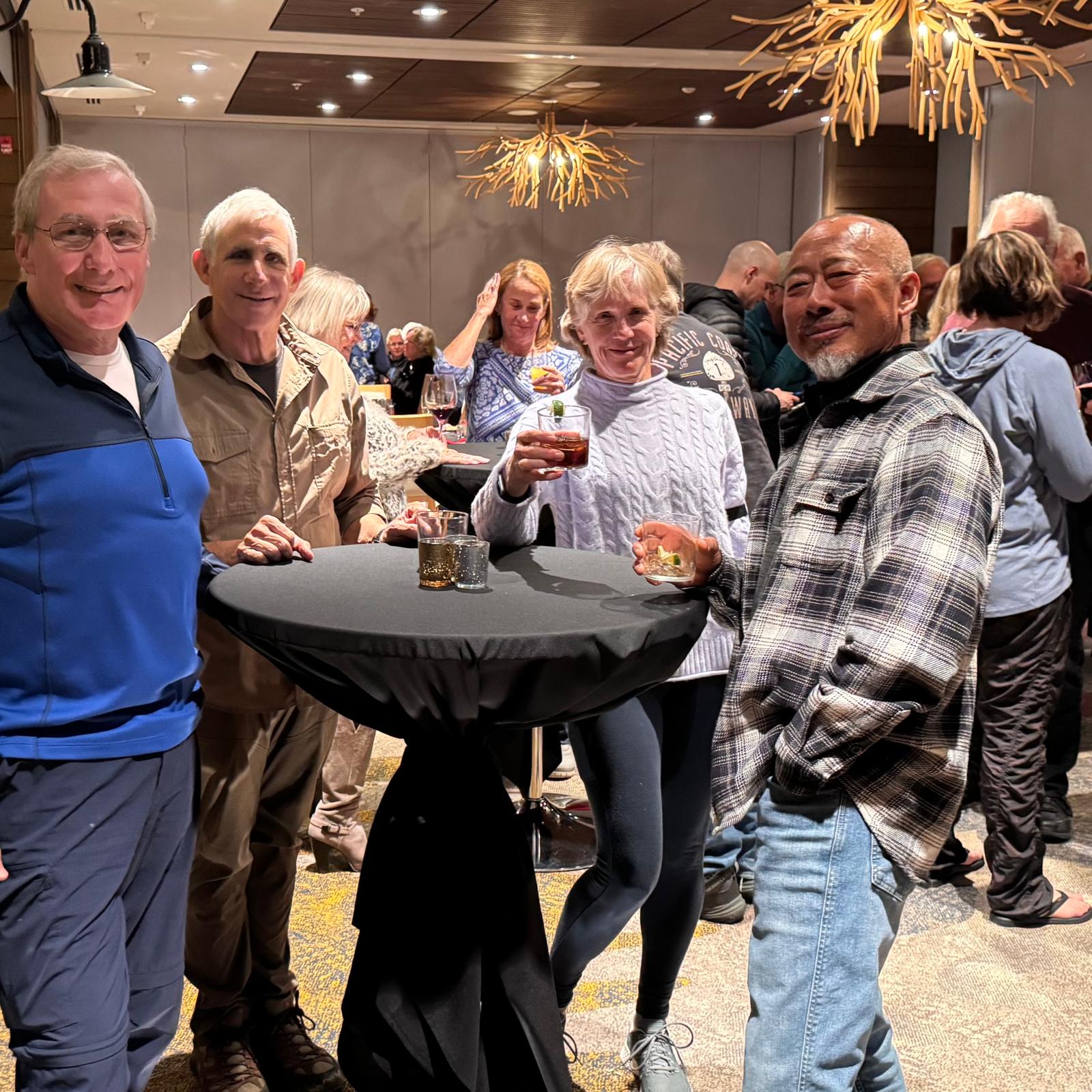
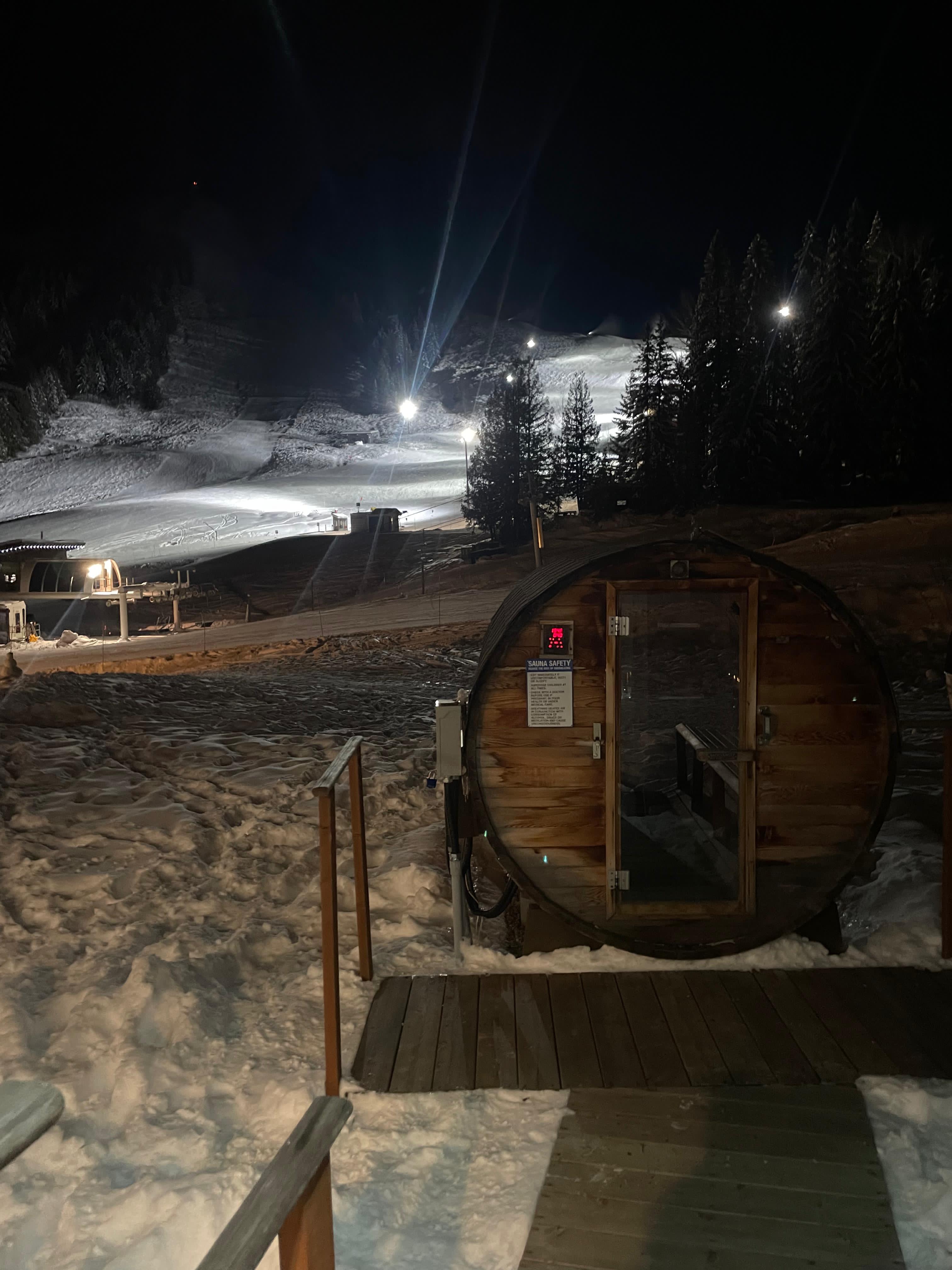
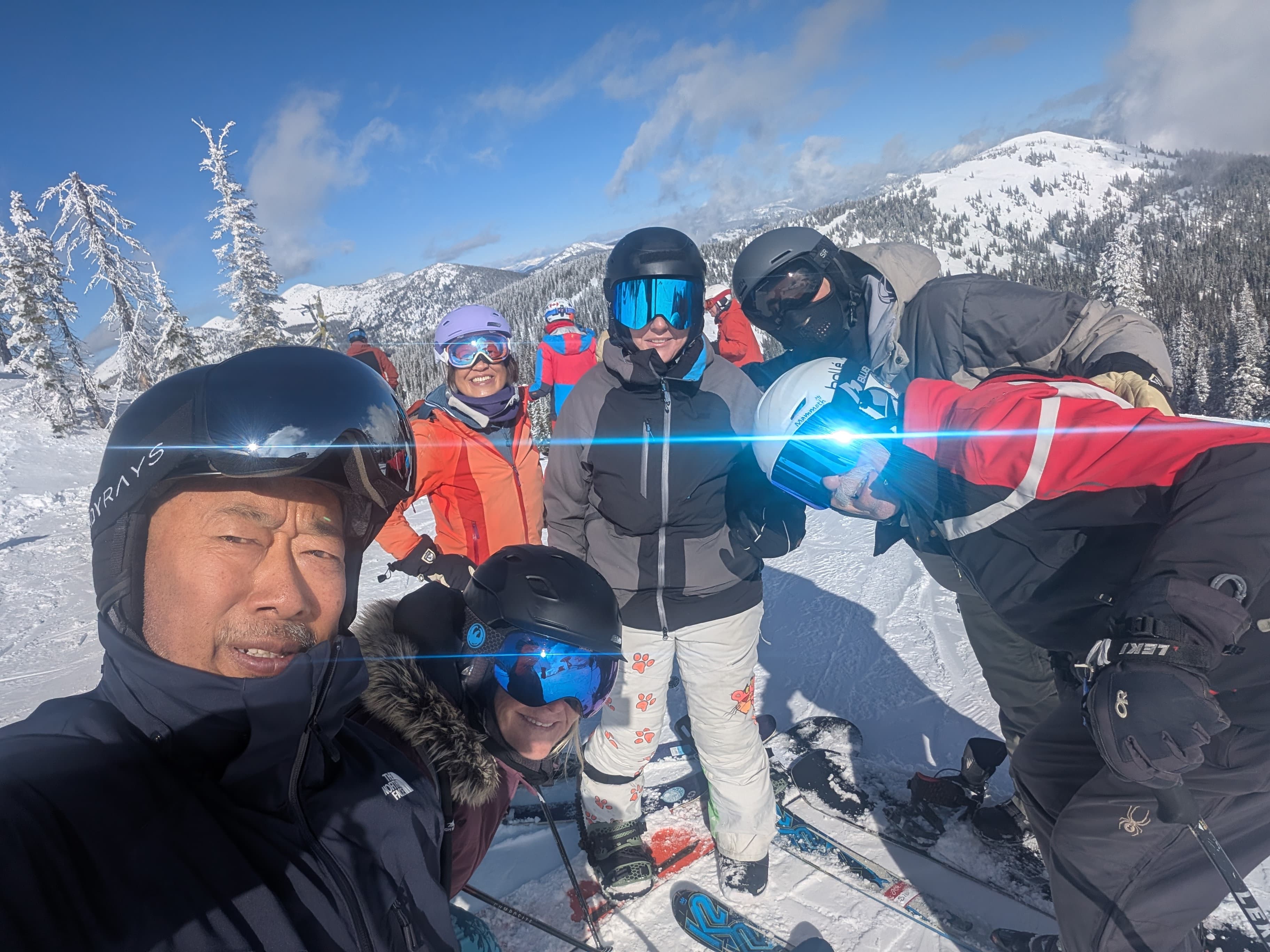
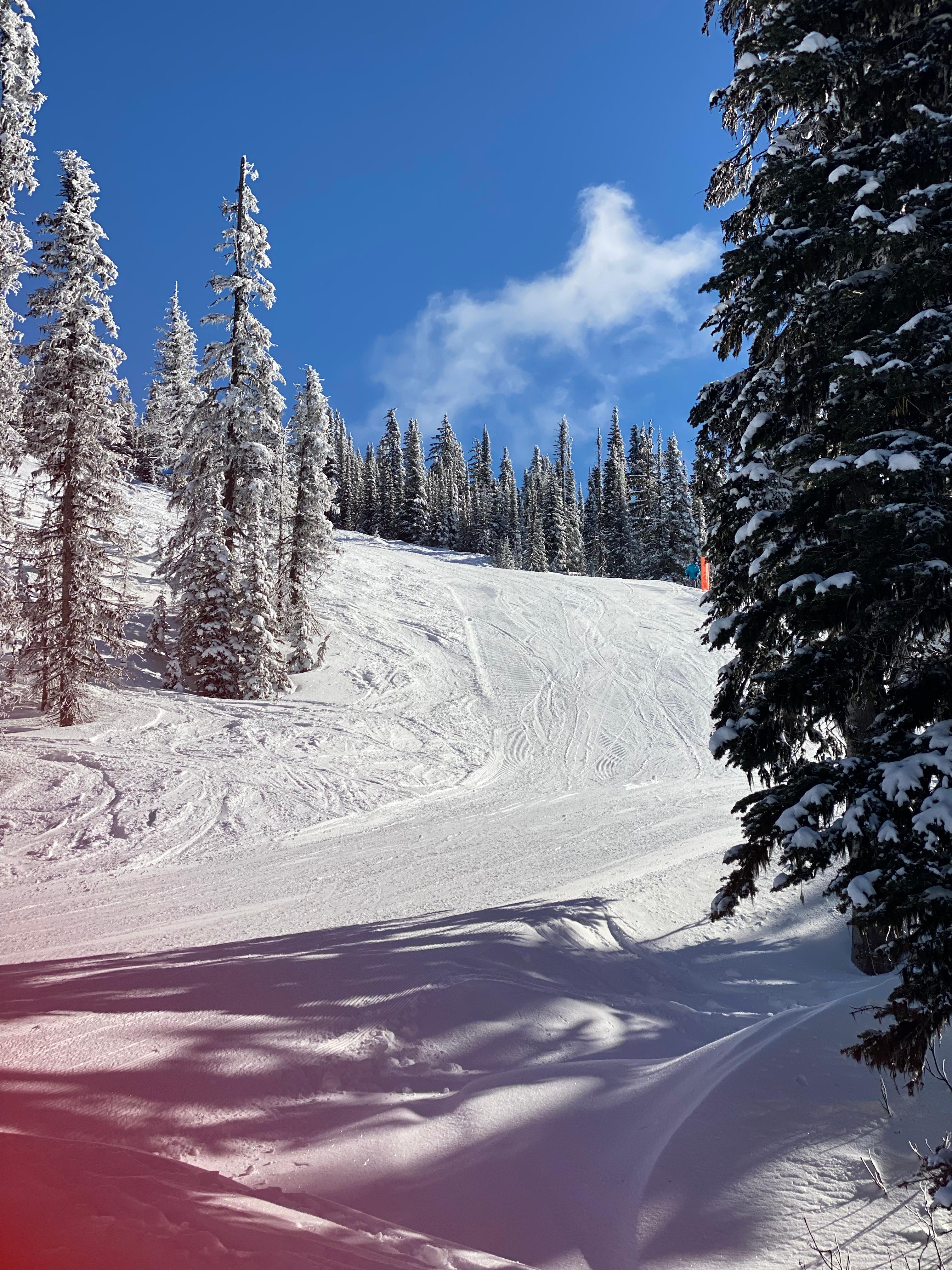
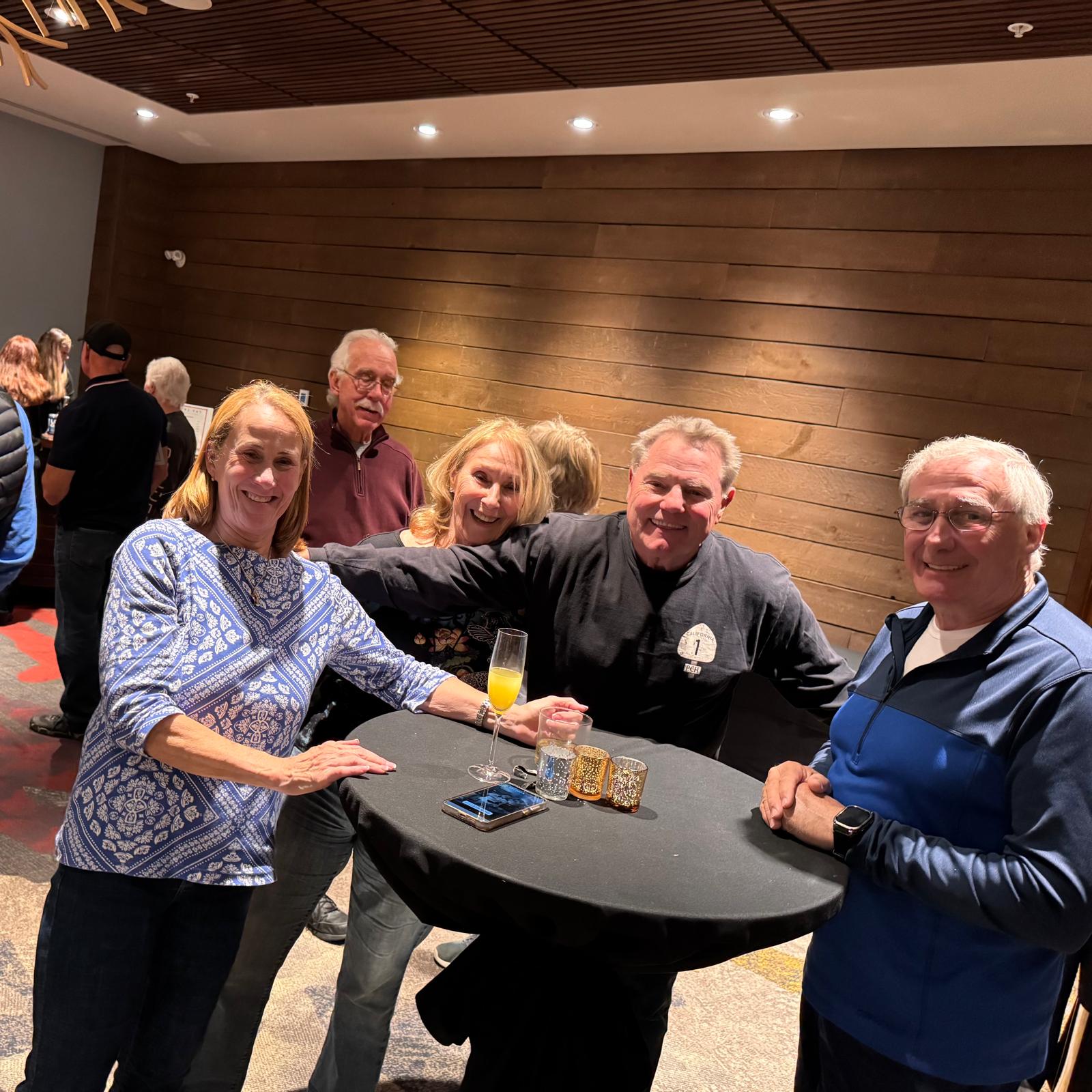
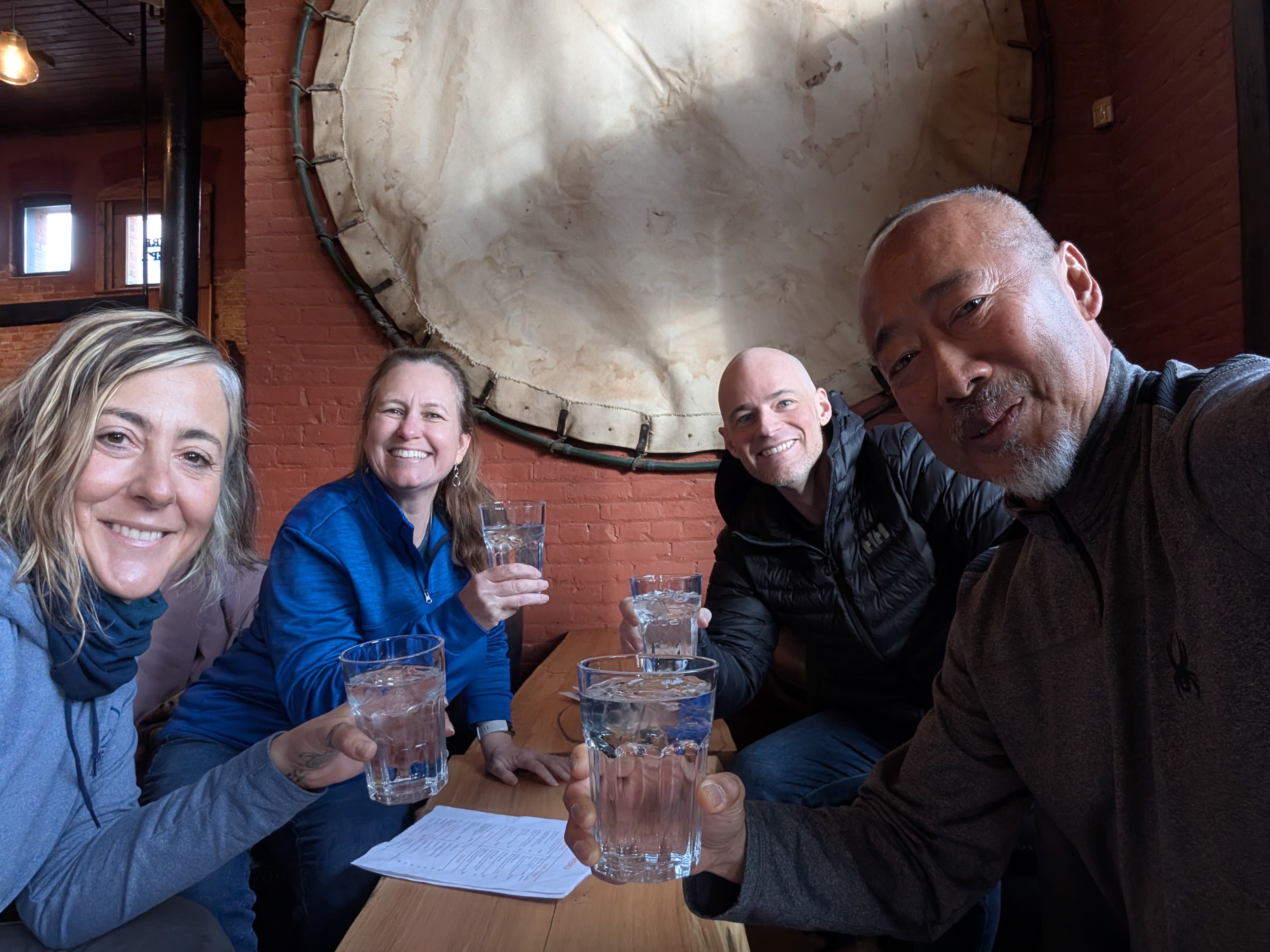
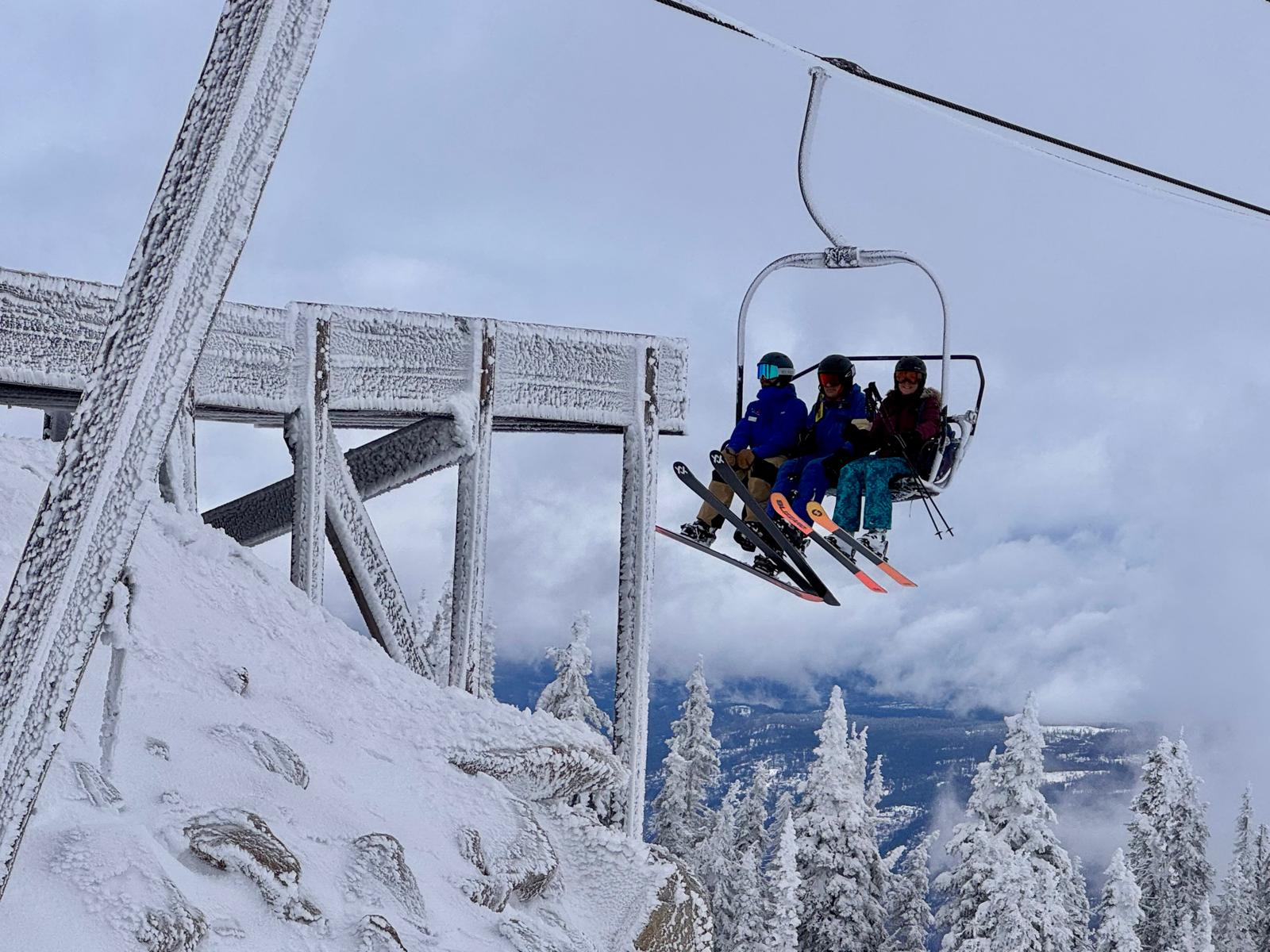
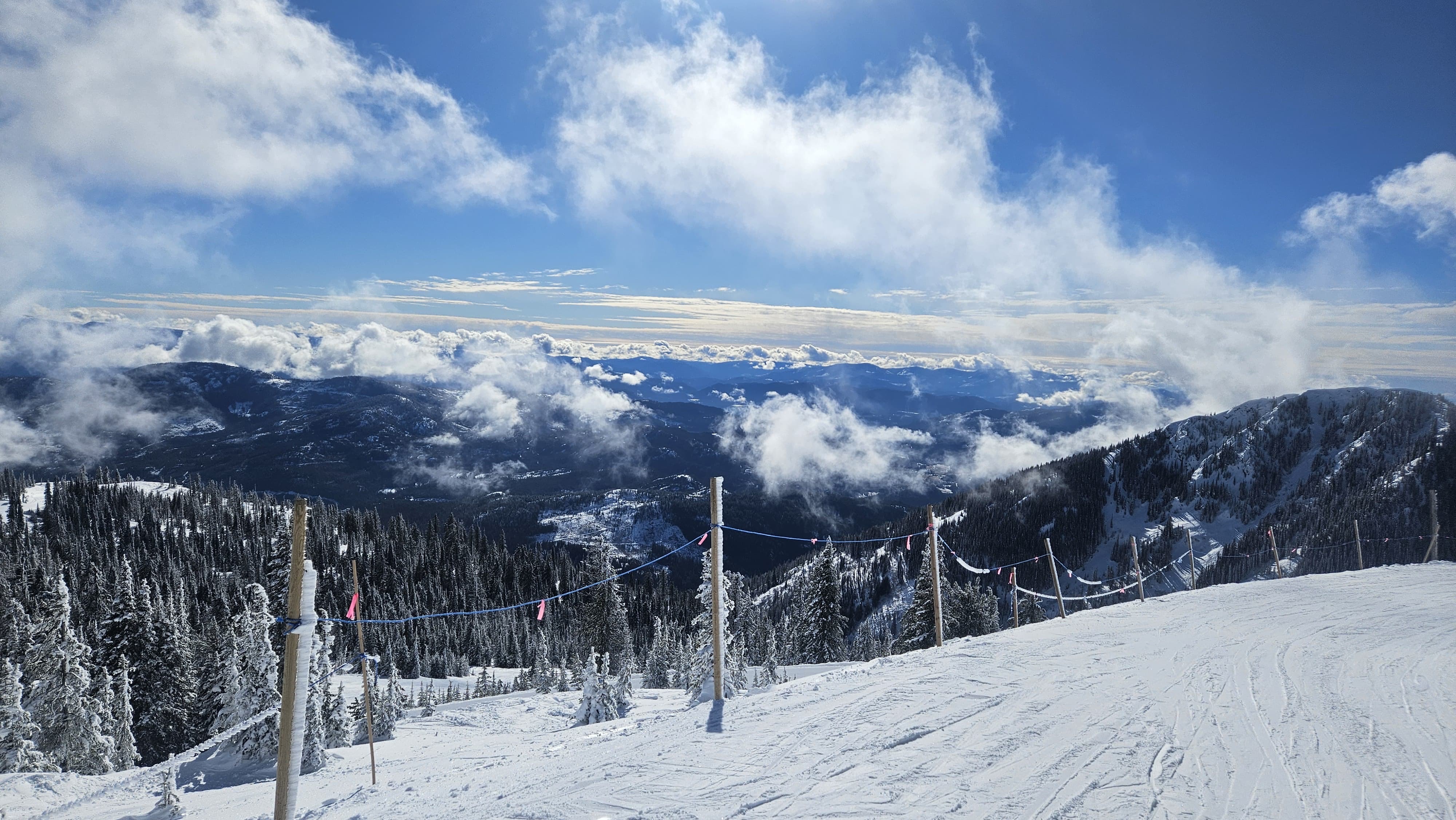
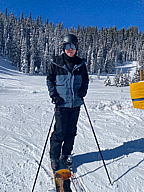
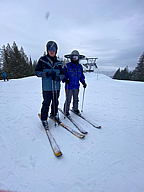
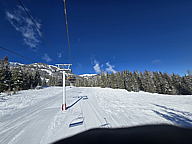
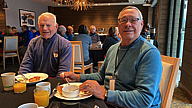
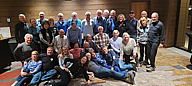
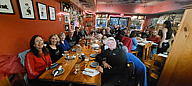
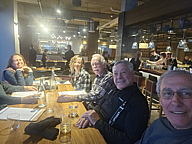
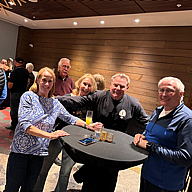
Below you will find the photo album viewer. The top region is an enlarged view of the currently selected photo in the album (defaults to the first photo in the album when page opens). Below the enlarged image are thumbnails of the photos in the album, which when clicked upon, will result in that specific photo appearing in the enlarged photo area at the top of the photo browser. The enlarged view supports a left arrow, and right arrow at the edges of the enlarged photo displayed allowing one to step through the album. A positional counter indicating where one is in the album is displayed in the upper left of the enlarged image (on darker backgrounds). The enlarged image may not be correctly displayed in the browser depending upon how wide you make the viewing window as it is "stretched" to fit a viewing frame. If you want to see the original image, at the original resolution (in its own tab/window), click anywhere in the enlarged photo, other than on the arrows which step you through the album. Keep in mind, you will need to close the dedicated tab/window to return to the photo album browser. One can download the original resolution photo(s), by viewing the photo in its own browser window/tab, and RIGHT clicking on the fullsize image, and choosing "Save Picture" from the menu.
|
Back to Photo Albums





















contact us| ©2006-2022 NI Snowdrifters